How do you share a motorcycle ride?
The plain way is a screenshot; the good way is a ride card. A ride card puts the route, the numbers, and the day into one clean image you can post anywhere — a picture that doesn’t need explaining.
Roveri makes one from any ride, over the map or your own photo, with the weather you rode through baked in. Making and sharing the card is free.
The two ways riders share a ride
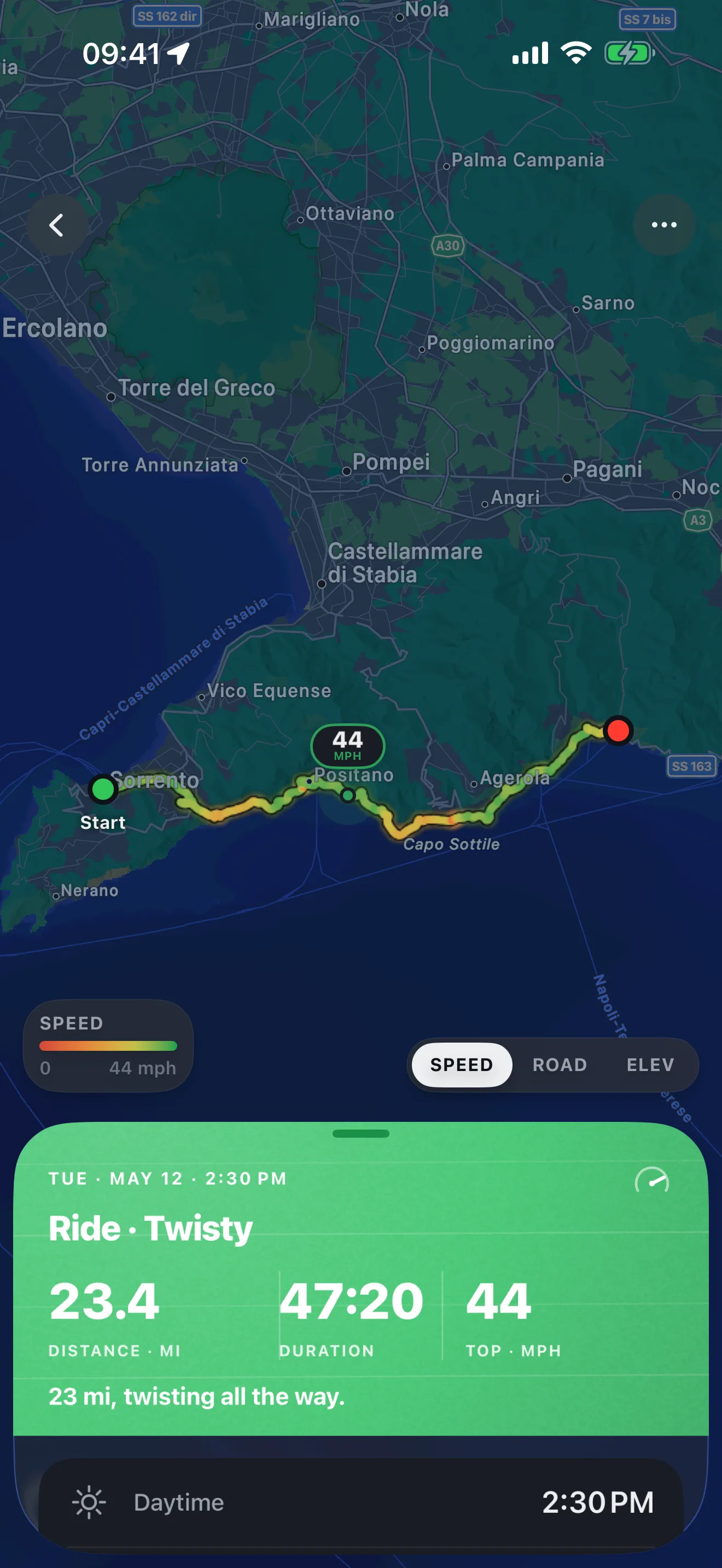
There are really two ways to put a ride in front of someone. The first is a screenshot — open the map, grab the screen, and send it. It is instant and it works on any phone, which is why most riders reach for it. The catch is that a screenshot is just a picture of a map: it carries whatever happened to be on screen and nothing else. The distance, the top speed, the climb you did, the weather you actually rode through — none of it travels with the image unless it was already visible, and cropped to fit a post it often reads as a plain blue line with no story attached.
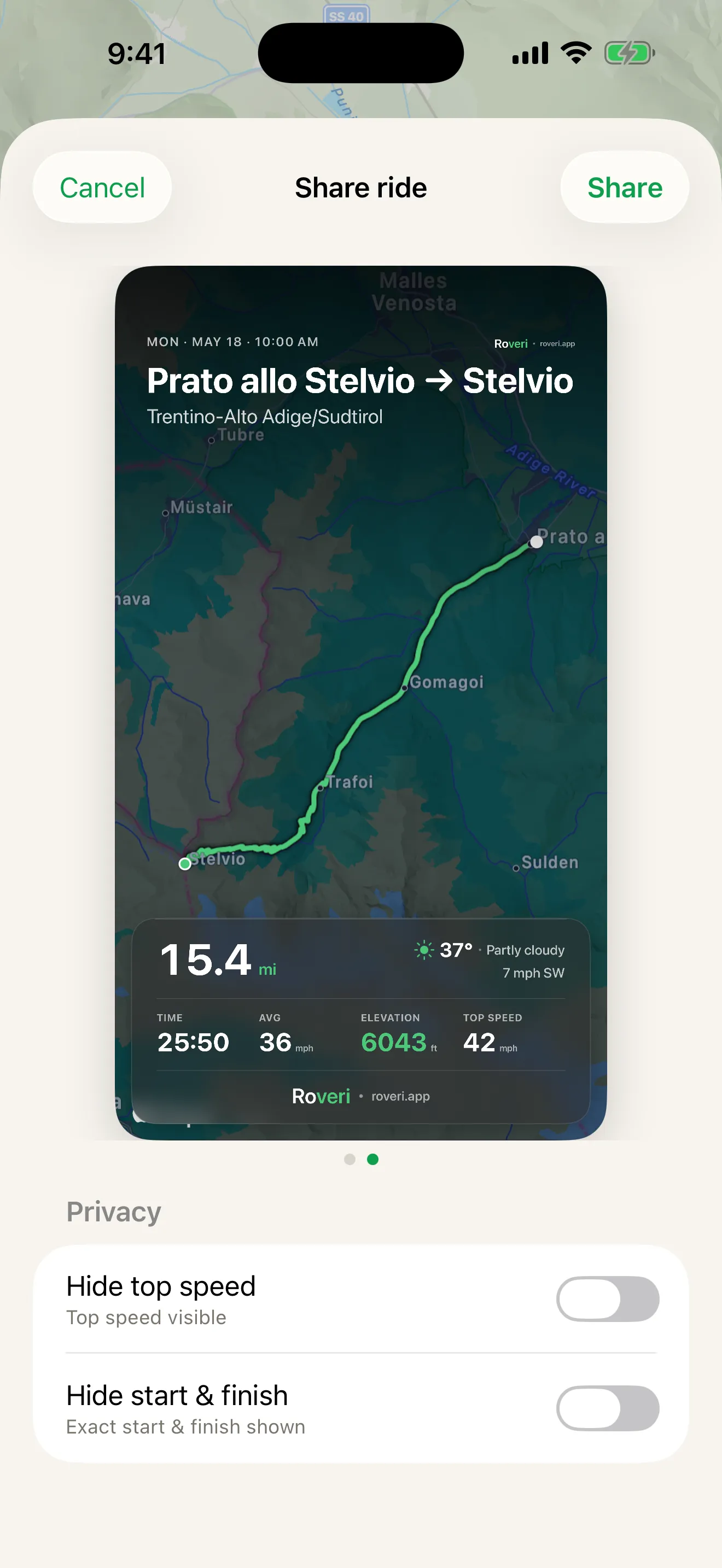
The second is a ride card — a single image built from the ride itself, with the route and the day’s numbers composed into it on purpose. Instead of a screen grab you get the painted track, the distance and top speed, and the conditions, laid out to be read at a glance and sized to drop straight into a post or a message. It is the same thirty seconds of effort and a far better picture at the end of it. This is the route worth taking whichever app you keep your rides in — and it is the one Roveri is built around.
A card is the right answer for a feed, where an image has to carry the whole story in one glance. When you are sending the ride to one person who actually wants to look at it, send it as a link instead: the same ride as a web page with a live map they can zoom into, in their own language, with nothing to install on their end.
THE CARD
Over the map, or your photo.
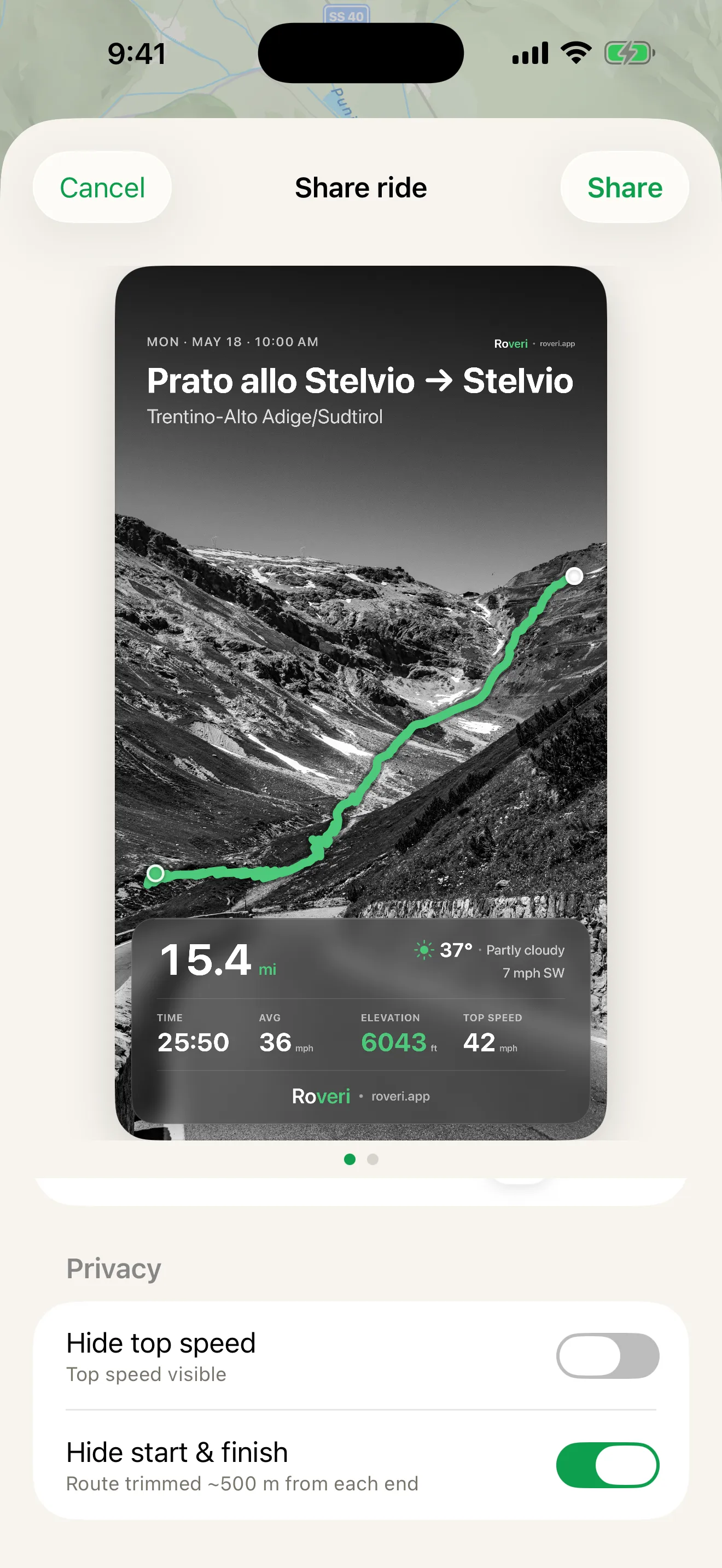
Every ride card comes two ways. Lay it over the ride's own map, painted by speed, or drop it over a photo you took that day — the overlook you stopped at, the bike in the lot. Either way the card carries a weather chip for the conditions you rode through and the Roveri wordmark, and it exports as a clean 1080 × 1080 image ready for any post.
WHAT'S ON IT
The whole ride, at a glance.
A ride card is not a bare map. It carries the route you took and the numbers that made the day: the distance, your top speed, the total climb, and the weather you rode through — the same record Roveri keeps for every ride. One tap opens the standard iOS share sheet, so the card goes anywhere your phone can send a photo — a message, a post, or a save to your camera roll.
- Route, distance, top speed, and total climb, composed into one image
- The weather you rode through, carried on the card as a chip
THE WHOLE FLOW
From ride to post.
Uncut: open the ride, make the card, hand it to the share sheet. No caption needed — the route, the numbers, and the weather are already in the picture.
How to share a ride from Roveri
- Open a ride in Roveri and tap the share button.
- Pick the look you want — over the ride's map, or over a photo from the day.
- Send it anywhere from the share sheet, or save it to your photos.
Common questions
What is a motorcycle ride card?
A ride card is one image built from the ride itself: the painted route, the distance, top speed and total climb, and the weather you rode through, composed to be read at a glance. Roveri exports one as a 1080 × 1080 image over the ride’s map or over your own photo.
How do you post a ride without sending a screenshot?
Export the ride as a card, then send it through the standard iOS share sheet to anywhere your phone can send a photo. The card carries the route and the day’s numbers in the image, so the post reads on its own instead of needing a caption to explain a blue line.
Do you need Roveri Pro to share a ride?
No. Making and sharing a ride card is part of the free journal. Roveri Pro adds the Coverage Atlas, Where to ride, and per-ride depth; the card needs none of them.
Making and sharing a ride card is part of the free journal — Roveri Pro is not needed to share a ride. Roveri runs on iPhone (iOS 18.6 or later) and is free to download, with an optional Pro tier that adds the Coverage Atlas, Where to ride, and per-ride depth. Read the full, code-verified fact sheet on the Roveri press page, or get Roveri on the App Store.